Gemini API Computer Use Is GA: What Changed and What Didn't
Gemini API Computer Use hit general availability on Oct. 30. Your code still runs every click, and prompt-injection detection is off by default.
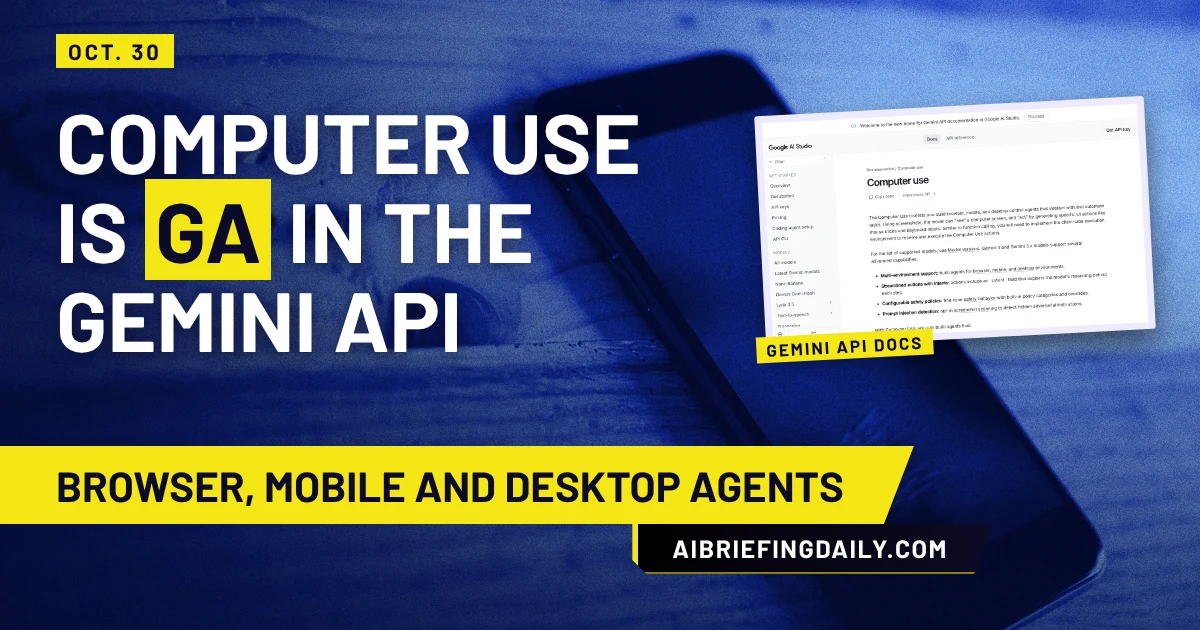
Google AI Studio posted on Nov. 4 that the Gemini API's Computer Use tool is "now generally available," with "no breaking changes from preview." The post is five days behind the changelog: the release notes date the general-availability release to Oct. 30, 2026, "across the Interactions and GenerateContent APIs."
Google AI Studio's post announcing Computer Use as generally available in the Gemini API, Nov. 4, 2026 (@GoogleAIStudio)
The post says the tool is for browser, mobile and desktop agents and links to the docs. It carries a video and no numbers.
The road to Oct. 30
The changelog shows four steps. Gemini 2.5 Computer Use Preview launched Oct. 7, 2025. On Jan. 29, 2026, the tool came to gemini-3-pro-preview and gemini-3-flash-preview. A public preview in Gemini 3.5 Flash followed on June 24. General availability is the last line of that list, and nothing in it describes a new capability.
The loop your code still owns
The documentation is plain about the division of labor: the model looks at screenshots and suggests actions, and "you will need to implement the client-side execution environment." One turn is four steps. Send the prompt, tool config and a screenshot. Get back a function_call, such as a click or scroll. Run it yourself. Send a fresh screenshot back as a function_result.
Coordinates come back on a normalized 1000x1000 grid, so you scale them to your real viewport. There are three environments: browser, which has the largest set of actions, mobile, with Android-style actions such as open_app and list_apps, and desktop, which has OS-level cursor and keyboard commands but no navigation actions.
The page lists gemini-4-argon as the most capable model and gemini-3.8-flash as "the recommended model for computer use." Gemini 3 Flash Preview is the only one it labels a preview. For Gemini 4 and 3.x, each action carries an intent field explaining the step, which is handy in logs. The Python examples need google-genai 2.7.0 or higher.
Where the safety work lands on you
Each suggested action can come with a safety_decision of allowed, require_confirmation or blocked. Seven policy categories decide when confirmation is needed, from financial transactions to account creation and legal agreements. You can turn some off with disabled_safety_policies, but the docs add that your application "should always implement safety decision handling regardless of configured overrides."
Prompt-injection detection is a separate switch. It checks whether a screenshot "contains hidden adversarial instructions" and blocks execution if so. It's opt-in, the default is false, and the page lists it as available for Gemini 3.5 Flash-Lite or later. So a GA tool you call without that flag runs with no screenshot check.
Google also recommends running the agent in a sandboxed VM or container, with a Docker-based reference implementation, and the best-practice list suggests allowlists or blocklists for navigation and detailed logging. The warning stays in place after GA: the tool "may contain errors and security vulnerabilities."
What the page doesn't give you
There's no pricing, rate-limit or session-length information on the page, and no success rates, latency or preview-versus-GA comparison. Several numbers in the samples are just demo values: turn_limit = 5, a 1440x900 viewport. The Java and Go handlers are partial stubs, and the Playwright examples use Meta+A, a macOS-only shortcut.
The first policy to write
Before you move a preview integration to GA, pick the one action your agent must never take without a person, such as sending a message or paying, and make your code stop on it even if the model never asks. Then turn on enable_prompt_injection_detection in a test run and see which of your real pages trip it.
Latest
- 01Outshift Open-Sources Four Multi-Agent Tools: What's VerifiedProducts · 2026-11-04
- 02HW-Bench: What 15 Models' Antenna-Design Scores ShowModels · 2026-11-04
- 03Google Agile Deliberation: What the 18-Session Study ShowsModels · 2026-11-04
- 04Kimi K3.1 Pro Open Weights: Coding Scores and the $20M ClauseModels · 2026-11-04
- 05Node.js Security Release Nov. 11: HIGH Fix, No CVEs YetWorld · 2026-11-04